
SolutionsOperations
Schedule, allocate and track every job.
One live view of every vehicle, driver and job, with planners making the final decision.
Seconds
to answer “can we cover this?” across the group
Days
of planner time a week per brand, replaced by a review
6 weeks
from kickoff to first live system
Nightly
refresh from four source systems
Operations
Where operations time goes, and the module for each.
Each module uses the same underlying records, so your software works together as it grows.
| Where time and money go | Module | Result |
|---|---|---|
| Planners cannot see spare vehicles at other depots | Scheduling Case study | Availability across every depot answered in seconds |
| Placing jobs on vehicles and drivers takes most of a week | Scheduling Case study | Days of planner time a week replaced by a review |
| Problems surface after the month closes | Dashboards Case study | Over-budget jobs and unbilled work on one screen, refreshed nightly |
| Work stalls with no clear owner | Job tracking Case study | Stalled work flagged by days waiting |
| Emailed orders are keyed in by hand | Order automation Case study | Accepted quotes become ERP orders without re-keying |
Scheduling
The right vehicle and driver for each job.
For every won job, the allocation engine proposes a vehicle, a driver and a start time. A planner reviews and can override.
York school trip · Sat 14 Mar · 16 seats · pickup Manchester 08:00
In use
Case studies
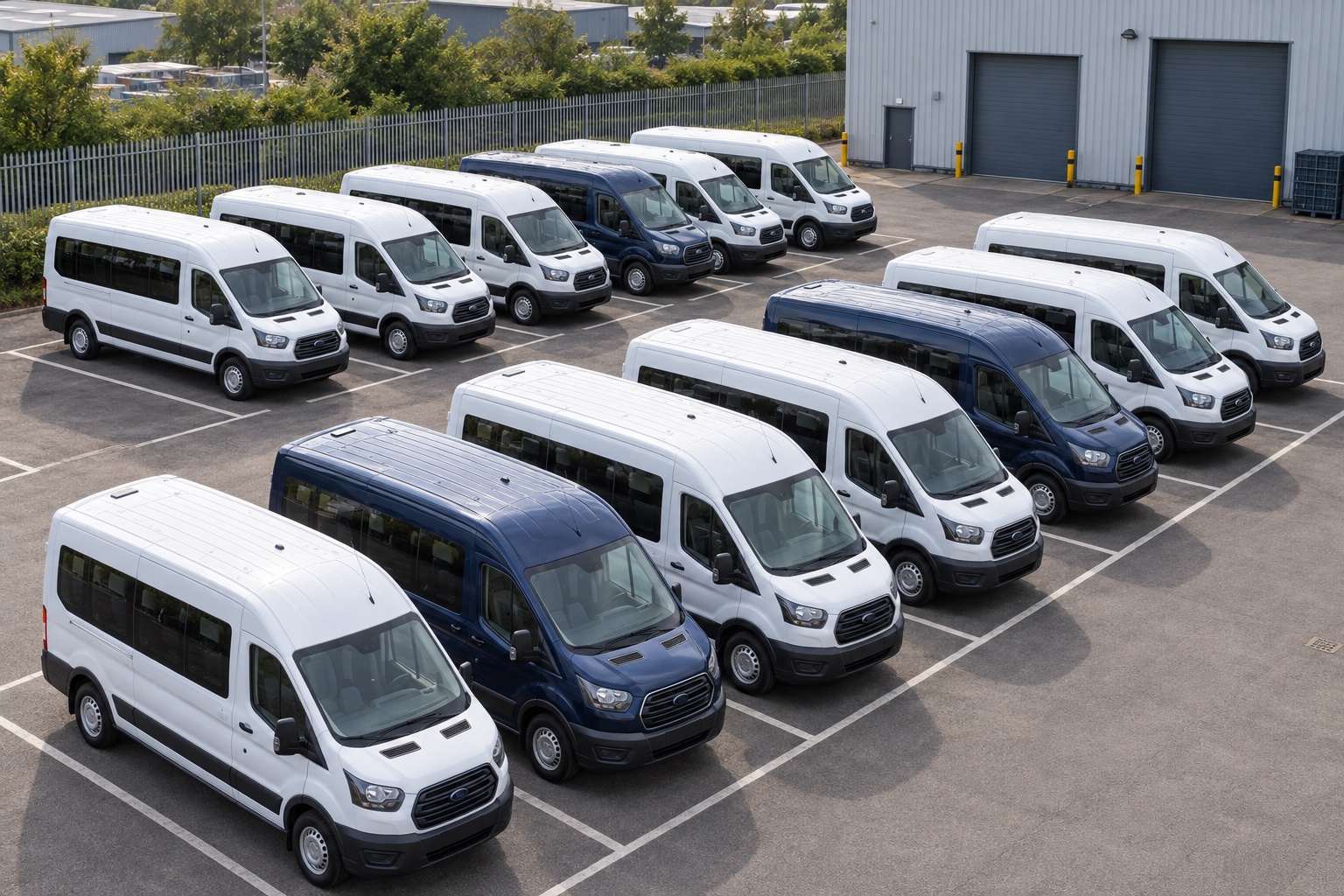
Regional fleet business · Module: Scheduling
Allocate vehicles more efficiently across the fleet
£>0.5Ma year, conservative case

Multi-site operating group · Module: Dashboards
See operational pressure before the monthly review
6 weeksfrom kickoff to first live system

Operators · Module: Job tracking
Show what is holding up the job
Dailyinternal use, with stalled work flagged before the bill
Part of one platform
Operations modules share one set of records.
Each module uses the same underlying records, so your software works together as it grows.
See the platformNext step
